Events
Events is a list of jobs shown as events, each with its date range. It is a quick way to scan upcoming and past work by company, job name, or job id. This company-wide list is not the same as Event List on a job, which is the task list for that job (see Returns, events, and history).
How to get there
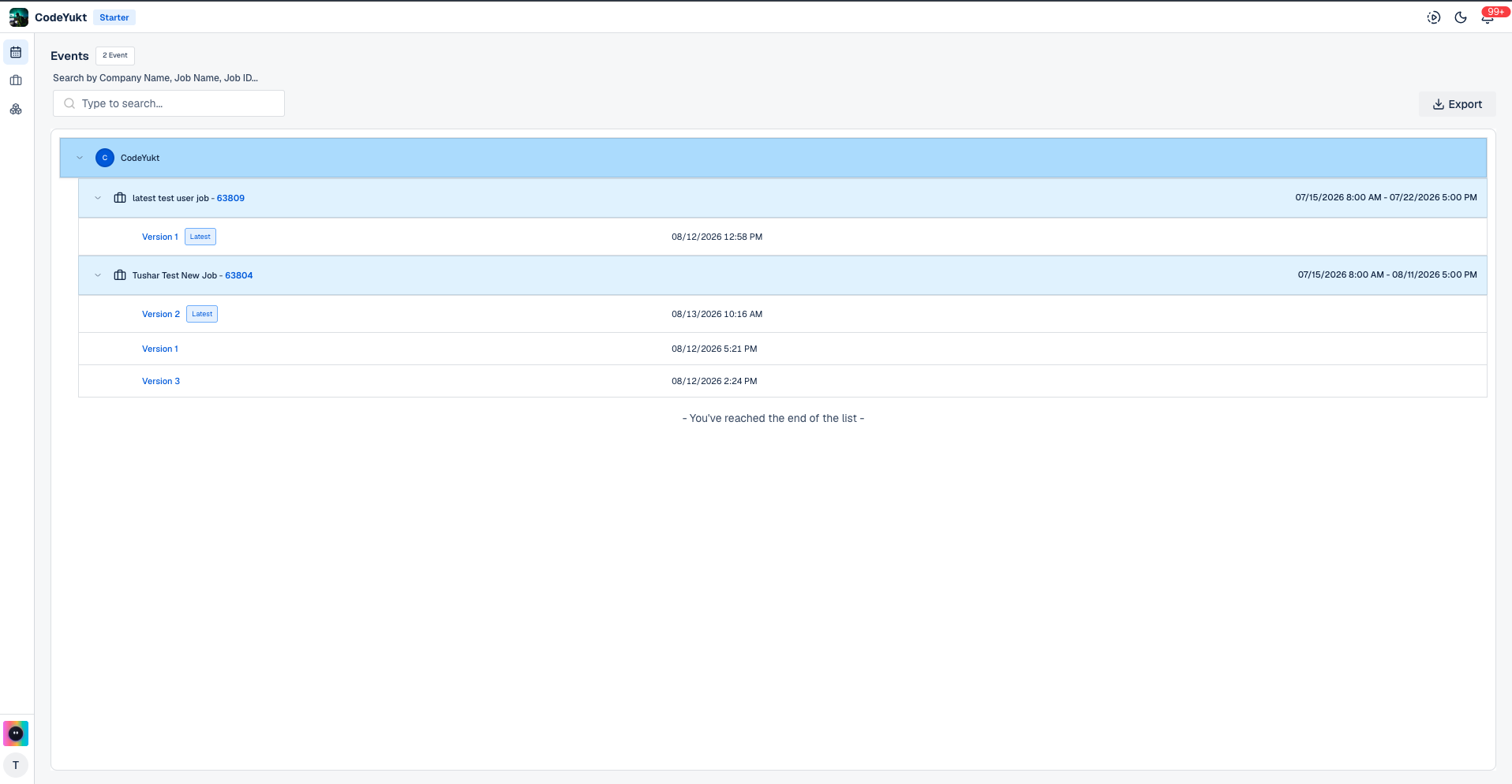
Click Events in the sidebar, which opens /events. The page heading shows the event count (for example, 144 Event). A search box lets you search by Company Name, Job Name, or Job ID, and there is an Export button. Each row shows a job as an event — a name and id — with a start and end date. Rows are not clickable; use Job in the sidebar, or open the job from the Jobs list, if you need to work in the job.
The Events list, with search, Export, and jobs shown as events with their date ranges.