Signing in
Signing in takes you into your OrbitCue workspace so you can work with jobs, customers, inventory, and the rest of the system.
How to get there
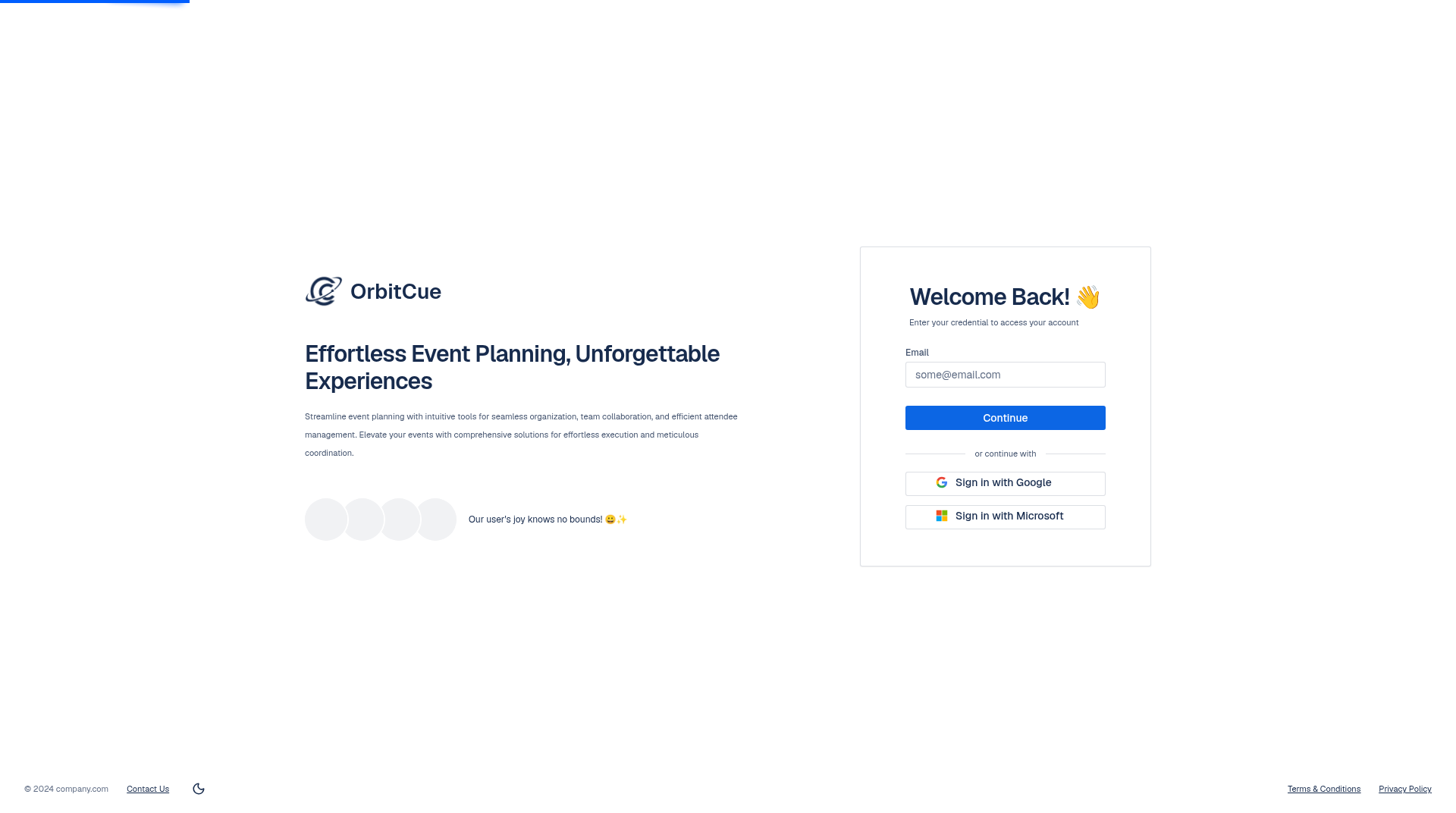
Open https://app.orbitcue.rent in your browser. You will land on the login page at /auth/login, titled “Welcome Back!”
How to sign in
- Enter the email address for your OrbitCue account.
- Click Continue. The password field appears.
- Enter your password. Use the show/hide control if you want to check what you typed.
- Click Login.
After a successful sign-in you are taken to the Dashboard at /dashboard.
Other options on the login page
- Forgot Password? takes you to
/auth/forgot-passwordif you need to reset your password. - Use a different email returns you to the email step.
- Sign in with Google or Sign in with Microsoft if your organization uses those accounts.
- A theme toggle switches between light and dark appearance.
- Contact Us, Terms & Conditions, and Privacy Policy links are at the bottom of the page.