Invoices
Invoices is where you bill customers and track whether those invoices have been paid.
How to get there
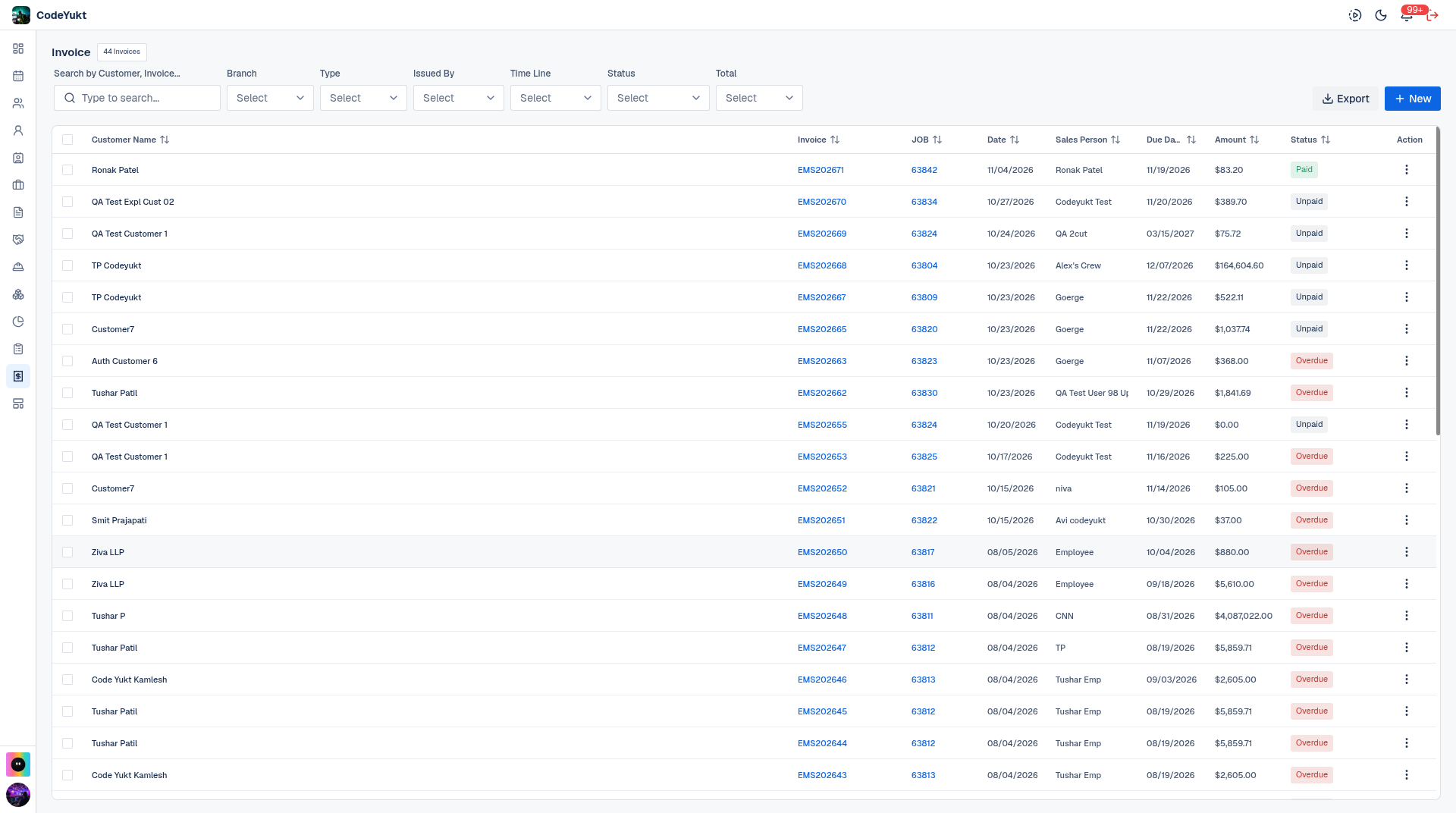
Click Invoice in the sidebar, which opens /invoice-list. You can also open Invoice from a job’s view switcher (see Files, invoices, and expenses). The page heading shows the invoice count (for example, 44 Invoices). Filters include Branch, Type, Issued By, Time Line, Status, and Total, plus Export and New buttons. Columns include Customer Name, Invoice, JOB, Date, Sales Person, Due Date, Amount, Status (Paid, Unpaid, or Overdue), and Action.
The Invoices list, with filters, Export and New, and invoice records including status.
How to review or edit an invoice
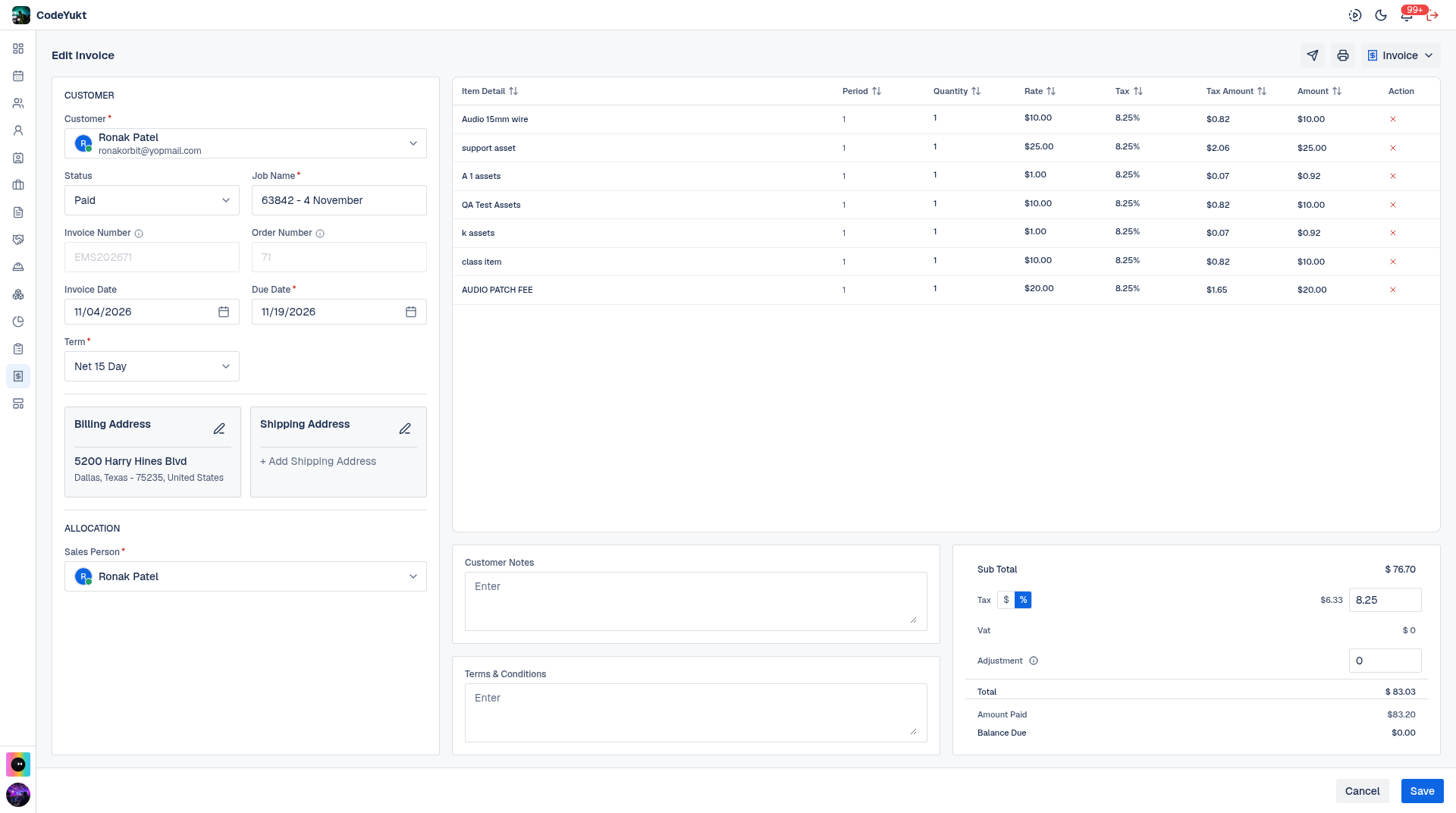
Click an invoice row, click New, or open Invoice from a job. The Edit Invoice and Add Invoice form, required fields, and the Save, Send, and Print steps are described in Files, invoices, and expenses. The edit page can take around 10 seconds to load, so wait for it to finish.